
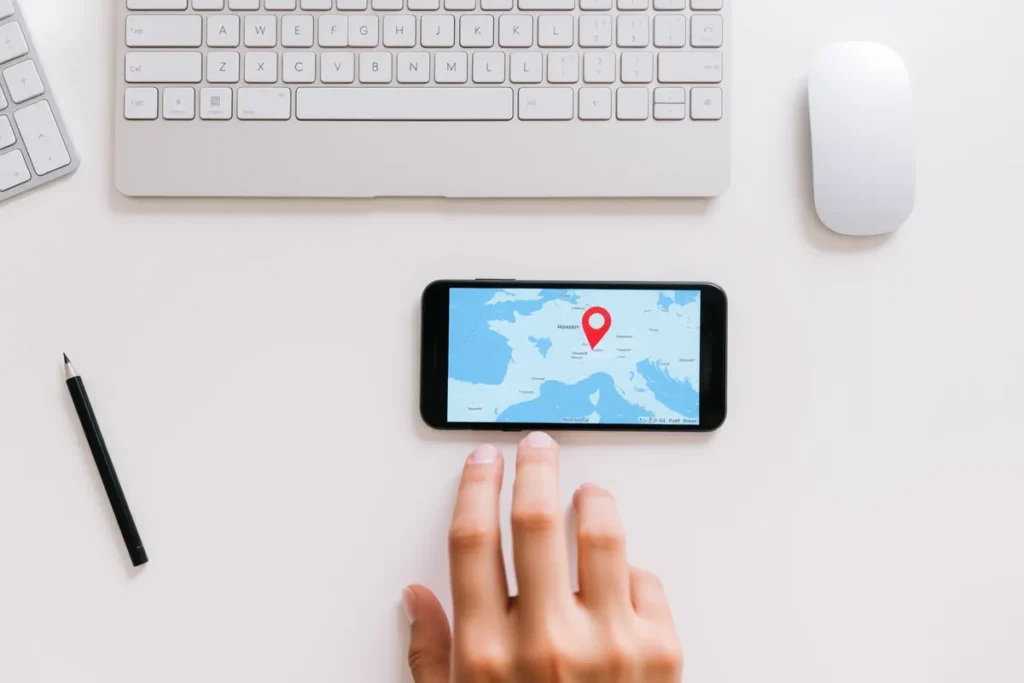
A Google Business Profile puts a repair business on Maps and in the Map Pack for urgent local searches. Optimise it with the right category, services, hours, photos, and reviews.
- Right category for your main trade.
- Accurate hours and service area.
- Reviews and photos build trust.
A Google Business Profile is what puts a repair and maintenance business on Google Maps and in the Map Pack for the urgent searches that drive callouts. For a trade where customers decide fast, the profile is often the only thing they read before calling. This guide covers how to set up and optimise it for a repair business, building on general profile optimisation.
Why Is the Profile Critical for Repair?
Because it is what urgent customers see and act on. The profile decides whether Google shows your repair business for local searches, and whether the customer calls. It carries your trade category, services, hours, service area, photos, and reviews. For someone with an urgent problem, a complete profile with a clear phone number and good reviews is often enough to win the call without them visiting your website. That is the subject of Local SEO for Repair and Maintenance Businesses.
How Do You Optimise a Repair Profile?
Set the right primary category
Match your main trade, such as plumber or electrician, then add relevant secondary categories.
List services and accurate hours
Add every repair service and your real hours, including emergency or same-day availability.
Add real photos
Photos of your team, vans, and completed work build trust and engagement.
Build and reply to reviews
A steady flow of reviews lifts ranking. Reply to each. See getting reviews.
What Holds Repair Profiles Back?
The same avoidable gaps recur. The wrong category, missing services, inaccurate hours, no photos, and few reviews hold a repair profile back. Inaccurate hours are especially damaging for urgent work, since a customer who calls outside the listed hours goes elsewhere. Fix the category, fill in every service, keep hours accurate, add real photos, and build reviews, and the profile starts winning the calls it should.
Pillars of a Strong Google Profile
Complete every detail
The right categories, services and hours make you relevant and findable.
Photos & posts
Real photos of your work and regular posts signal an active, trusted business.
Steady reviews
A constant flow of genuine reviews drives both ranking and trust.
How Often Should You Update a Repair Profile?
A repair business profile should be treated as a live asset, not a one-time setup. Posting an update every week or two, refreshing photos, and keeping hours accurate signals an active business and keeps you engaging for customers who check before calling. For urgent trades, accurate hours are especially important, because a customer who calls outside your listed times simply moves on.
Regular activity also reinforces prominence over time. Replying promptly to every review, adding new job photos, and posting occasional updates all tell Google the business is current and trusted. The cumulative effect of a tended profile beats a neglected competitor’s, and it costs only a few minutes a week to maintain.
Which Photos Build Trust for a Repair Business?
Photos reassure a customer who is about to let a tradesperson into their home or business. Real images of your uniformed team, branded vans, and completed jobs build far more trust than stock photos of anonymous workers. Before-and-after shots of repairs, where relevant, prove competence at a glance.
- Adding photos regularly rather than in a single batch keeps the profile fresh and signals an active business.
- For repair trades, images that convey professionalism, clean work, and proper equipment do the most to reassure a customer choosing who to trust with an urgent or technical job.
- Authentic photos of your actual work consistently outperform generic imagery.
How Do Profile Categories Work for Repair Trades?
Categories tell Google what your business is, and the primary category carries the most ranking weight. Set it to your main trade, such as plumber, electrician, or appliance repair service, then add secondary categories for the other services you genuinely offer. Choosing the right primary category is one of the highest-impact, lowest-effort changes available.
Avoid adding loosely related categories that dilute focus, and do not leave relevant ones off, which means missing those searches entirely. Reviewing the categories your best-ranking competitors use is a useful guide. For multi-trade businesses, the primary category should reflect the service you most want to be found for, with the rest captured as secondary categories and listed services. This sits next to Ranking for “Emergency Near Me” Searches in the same sequence.
Should You Use Messaging, Q&A, and Booking?
The profile’s extra features quietly win jobs when used well. Messaging lets customers contact you in a tap, which suits those who prefer not to call, provided you reply quickly. Seeding the Q&A with the questions you are asked most, such as whether you offer emergency callouts or are insured, removes hesitation before it becomes a lost lead.
Listing services with short descriptions reinforces relevance and helps you appear for more specific searches. Each feature is minor alone, but together they make the profile work harder than a bare listing. For repair trades, enabling fast contact and answering common questions upfront is particularly valuable given how quickly customers decide.
How Do You Use Google Posts for a Repair Business?
Google Posts let you add timely updates directly to your profile, and for repair businesses they are a chance to highlight seasonal services, offers, or recent jobs. A post about boiler servicing before winter, or a completed repair, keeps the profile active and gives customers a reason to engage. Posts appear in your listing and reinforce relevance.
- The value is partly in the freshness signal and partly in conversion: a well-timed post promoting a relevant service can prompt a customer who is on the fence.
- Keep posts short, useful, and regular rather than sporadic.
- They support the profile rather than driving rankings directly, but an active posting habit contributes to an engaged, trusted listing.
How Do Hours and Availability Affect Repair Profiles?
Accurate hours are critical for repair trades because customers act on them immediately. If your profile shows you as closed when you actually offer emergency cover, you lose the out-of-hours jobs that are often the most valuable. Conversely, advertising hours you cannot honour leads to missed calls and damaging reviews.
Set hours that reflect your genuine availability, including any emergency or same-day cover, and update them around holidays. For businesses offering 24/7 service, make that unmistakable. Hours are not just information; they directly shape whether an urgent searcher contacts you, so keeping them accurate is a direct driver of jobs.
How Do You Get and Manage Reviews on the Profile?
A steady flow of recent reviews is one of the strongest ranking and trust signals a repair business has. Ask every satisfied customer at the end of the job, when their relief is fresh, and make it effortless with a direct review link. Building the request into your routine produces the consistency that a sporadic approach never matches.
Replying to every review, thanking positive reviewers and addressing concerns calmly, shows an active, accountable business and reinforces trust. For repair trades, reviews that mention prompt, reliable callouts are especially persuasive to the next anxious customer. Managing reviews well, both gathering and responding, compounds into a profile that ranks and converts.
Can a Repair Business Rank Without a Shopfront Address?
Yes. Most repair tradespeople work from a van or home rather than a customer-facing premises, and Google ranks service-area businesses through the profile, reviews, and area pages rather than a physical address. You can hide the address and set the areas you cover instead, and still rank across them.
- The key is to set the service area honestly to the towns you genuinely serve, keep the profile complete, and support it with genuine area pages.
- Done this way, a tradesperson with no shopfront can rank in the Map Pack across several towns.
- The lack of a public address is no barrier, provided the service area and supporting content are genuine.
What Are Common Repair Profile Mistakes?
The frequent mistakes are the wrong primary category, missing services, inaccurate hours, no photos, and too few recent reviews. For repair trades, inaccurate hours and a slow or unanswered phone are particularly costly, because urgent customers act instantly and move on if you appear unavailable.
Inconsistent business details across the web, neglecting reviews, and ignoring the profile’s features round out the list. Each is correctable, and fixing them often lifts both rankings and conversions without any new content. Treating the profile as a living, well-maintained asset rather than a set-and-forget listing is what separates the repair businesses that win urgent calls from those that miss them.
Last Thoughts on Google Business Profile for Repair
For a repair business, a complete, accurate Google Business Profile is the asset that wins urgent calls. Set the right category, list every service, keep hours accurate, add real photos, and build reviews. The profile ranks you in the Map Pack and convinces urgent customers to call, so it deserves priority over every other asset.
- The profile drives Map Pack visibility for urgent searches.
- Set the correct primary category for your trade.
- Keep hours and service area accurate.
- Real photos and a steady review flow build trust.
- Inaccurate hours lose urgent customers.
Frequently Asked Questions (FAQs)
Is a Google Business Profile free?
Yes. It is free to claim and run, and it is the most important free asset for local repair visibility.
What category should a repair business use?
The one matching your main trade, such as plumber or electrician, with relevant secondary categories added.
How important are accurate hours?
Very. Customers who call outside your listed hours go elsewhere, so keep hours and emergency availability accurate.
Do I need a physical address?
No. Service-area repair businesses can hide the address and set a service area instead, and still rank.
How many photos should I add?
Several real ones of your team, vans, and finished work, added regularly. Real photos beat stock images.
Should I reply to reviews?
Yes, to all of them. Replies show an active, reliable business and support ranking.
Can I list emergency services on the profile?
Yes. State emergency or same-day availability clearly so urgent searchers know you can help.
Why is my profile not showing?
Often it is incomplete, has the wrong category, lacks reviews, or has inconsistent details. Complete and correct each.
Does posting on the profile help?
It signals an active business and keeps customers engaged. It supports the profile rather than being a direct ranking lever.
What if a competitor has more reviews?
Focus on a steady flow of recent, genuine reviews. Recency and consistency matter, not just the total.