
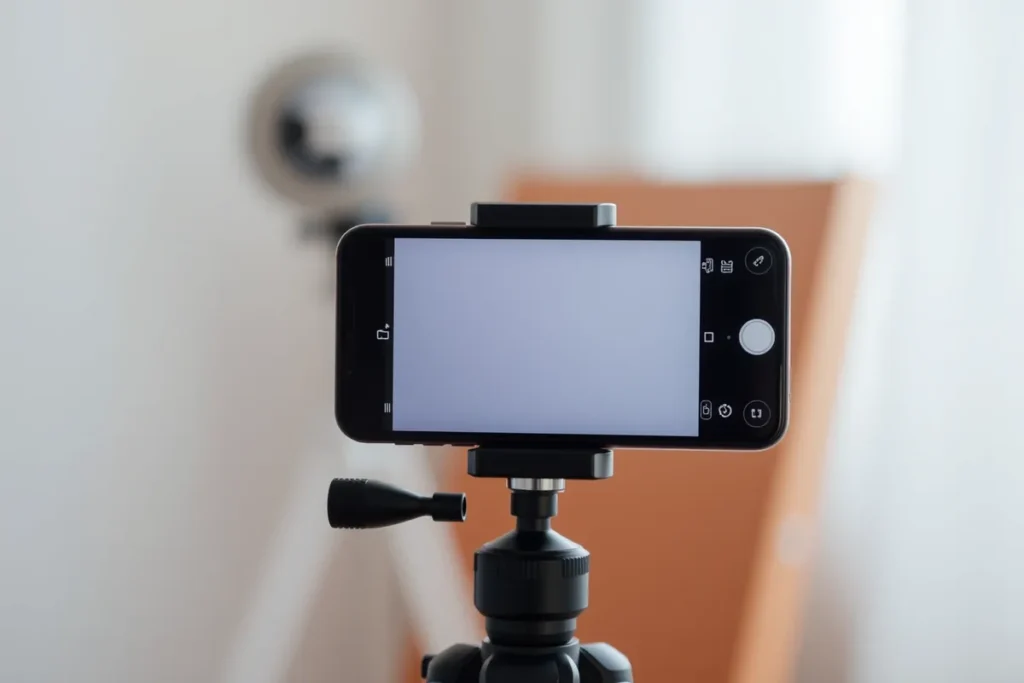
A modern phone shoots ad-quality video if you get a few basics right: vertical framing at eye level, good light on the face, close clean audio, and a steady hold.
- Vertical, eye level framing.
- Face the light, avoid backlight.
- Stay close to the mic in a quiet room.
You do not need a camera to make UGC; a modern phone shoots ad-quality video once you get a few basics right. Filming UGC on a phone is about framing, light, audio, and stability, not expensive kit. This guide covers each, plus a quick pre-shoot checklist so your footage looks professional enough to run as an ad.
How Should You Frame and Angle the Shot?
Framing sets the tone before anything is said. Film vertically, at eye level, with a little headroom. Vertical fills the phone screen and suits Reels, Stories, and TikTok. Hold the camera at the subject eye level rather than above or below, and leave a small gap above the head. Keep the background tidy and relevant, such as the job site or a clean room, so nothing distracts from the message. For the detail, see UGC for TikTok.
How Do You Light It?
Light is the biggest factor in whether phone video looks good. Face the light, use window light where you can, and avoid backlight. Put the brightest light source in front of the subject, not behind them, so their face is clearly lit. A window during the day is ideal. Never film with a bright window or sky behind the person, which throws their face into shadow and looks amateur.
How Do You Get Good Audio?
Poor audio sinks a clip faster than a poor picture. Stay close to the mic, film in a quiet room, and use a clip-on mic if you have one. The phone microphone is fine within a metre or two in a quiet space. Avoid echoey rooms, wind, and background noise. A cheap clip-on microphone lifts quality noticeably, but proximity and a quiet room matter most.
What Phone Settings and Stability Help?
A few settings and a steady hold finish the job. Shoot at a high resolution and standard frame rate, lock focus and exposure, and keep the phone steady. Use 1080p or 4K, lock focus so it does not drift, and rest the phone on something or use both hands or a small tripod to avoid shake. Steady, sharp footage reads as professional even when everything else is simple.
What Is a Quick Filming Checklist?
Run through the basics before you record. Check framing, light, audio, focus, and that you know your opening line. Confirm the shot is vertical and eye level, the light is on the face, the room is quiet, focus is locked, and you have your hook ready from your scripts and hooks. For testimonials, have your questions ready as in customer testimonials.
What Makes UGC Work?
Authentic content
Genuine, phone-shot clips feel real and build trust polished adverts cannot.
Proof & transformation
Real before-and-afters and testimonials prove your results.
Track what converts
Measure engagement and enquiries to make more of what works.
Can You Make Good UGC on Just a Phone?
Yes. Modern phones shoot high-quality video, and UGC’s authentic style actually suits phone footage, which feels genuine rather than over-produced. You do not need professional equipment to make effective UGC; a phone, decent light, and steady framing produce content that engages and builds trust. The authenticity of phone-shot content is part of why UGC works. The underlying method is explained in Cleaning Checklists Content for House Cleaning.
Phone filming is not a compromise for UGC but a natural fit. For home-services businesses, a phone is all you need to create effective UGC, since its authentic, unpolished feel matches the genuine style audiences trust. Professional production can even make content feel like an ad, undermining UGC’s authenticity. Capturing your work and testimonials on a phone, with attention to light and framing, produces the genuine content that resonates and builds trust for home services.
What Are the Basics of Filming on a Phone?
The basics are good lighting, steady framing, clear audio, and clean composition. Filming in good light, ideally natural, keeping the phone steady or braced, ensuring the audio is clear especially for testimonials, and framing the subject well make phone footage look good. These simple fundamentals lift the quality without needing equipment or skill.
- Light, stability, audio, and framing are the foundations.
- For home-services businesses, good phone filming comes down to these basics: shooting in good light, holding the phone steady, capturing clear sound, and framing the subject cleanly.
- Attending to these simple things dramatically improves the look of phone-shot UGC without any special gear.
- Mastering the fundamentals of light, stability, audio, and framing lets a home-services business produce genuine, good-quality UGC on a phone.
How Do You Capture Good Before-and-After Footage?
You capture good before-and-after footage by filming the before at the start, from a clear angle, and the after from the same angle, in good light, so the transformation is obvious. Remembering to capture the before, which is easy to forget once work begins, is essential, since you cannot recreate it. Matching angles makes the contrast striking.
Consistent angles and capturing the before are the keys. For home-services businesses, good before-and-after footage requires the discipline of filming the before at the job’s start, before work begins, from an angle you can match for the after. Filming both in good light and from the same viewpoint makes the transformation clear and compelling. Building the habit of capturing matched before-and-after footage on every suitable job produces the striking transformation content that powers home-services UGC. That is the subject of Before-and-After Video Content.
How Do You Make Phone Content Look Professional Enough?
You make phone content look professional enough by attending to light, stability, audio, framing, and simple editing, while keeping the authentic feel. Good light and steady, well-framed shots, clear audio, and basic editing, trimming, captions, raise the quality to look credible without becoming an over-produced ad. The aim is polished-enough authenticity, not professional perfection.
Simple attention to the basics and light editing achieve credible quality. For home-services businesses, phone content looks professional enough when the fundamentals are handled, light, stability, audio, framing, and it is tidied with simple editing, while retaining the genuine feel that makes UGC work. You are not aiming for advertising-level polish, which can undermine authenticity, but for clean, credible content. Combining the filming basics with light editing produces home-services UGC that looks good and stays authentic.
Last Thoughts on Phone Filming
Good framing, light, and audio make phone footage look professional enough to advertise. The kit matters far less than the basics: vertical and eye level, light on the face, close clean audio, and a steady hold. Get those right and a phone in your pocket is all you need to produce UGC that performs.
- A recent phone shoots ad-quality video.
- Film vertically at eye level with headroom.
- Face the light; avoid backlight.
- Stay close to the mic in a quiet room.
- Lock focus and keep the phone steady.
Frequently Asked Questions (FAQs)
Do I need a special camera?
No. A recent phone is enough for UGC ads. The basics of light, framing, and audio matter far more than the device.
How do I get good audio?
Stay close to the microphone and film in a quiet space. A cheap clip-on mic helps, but proximity matters most.
Portrait or landscape?
Portrait, vertical, for social. It fills the screen on Reels, Stories, and TikTok where UGC ads run.
What is the best light for phone video?
Soft, front-facing light, such as a window during the day, with the light on the face rather than behind it.
How do I stop shaky footage?
Rest the phone on something, use both hands, or use a small tripod. Steady footage looks far more professional.
What resolution should I film at?
1080p or 4K at a standard frame rate is plenty. Higher resolution gives room to crop without losing quality.
Should I use the front or back camera?
The back camera usually gives better quality, but the front camera is easier for self-filming. Either works if the light is good.
How do I avoid a messy background?
Choose a tidy, relevant setting such as the finished job or a clean room, and remove clutter from the frame.
Do I need editing apps too?
For the final ad, yes, to trim, caption, and pace it. Filming well first makes editing far easier.
Can I film outside?
Yes, and job sites often look great. Avoid harsh midday sun on the face and strong wind on the microphone.